Skip to content

Access to a decentralized network

Open the wallet. Explore Agoric.

A desktop interface for the decentralized Agoric network. View assets, monitor activity and review application requests before authorization.

Windows / macOS / LinuxDesktop v3.2.5
The Agoric site symbol sculpted in ruby glass beside a BLD coin with a polished silver rim.
Assets / Activity / AuthorizationExplore the network
Desktop interface
Native desktop walletDesktop access to the decentralized Agoric network on Windows, macOS and Linux.
Account management
Assets. Activity. Connections.Viewing assets, reviewing transactions and managing app connections.
Dedicated workspace
Dedicated desktop access.Account activity and request review in a dedicated desktop application.

What it is

Desktop access to the Agoric network.

Agoric Wallet presents account information, on-chain activity and application requests. The decentralized network records and executes authorized transactions.

Explore the interface
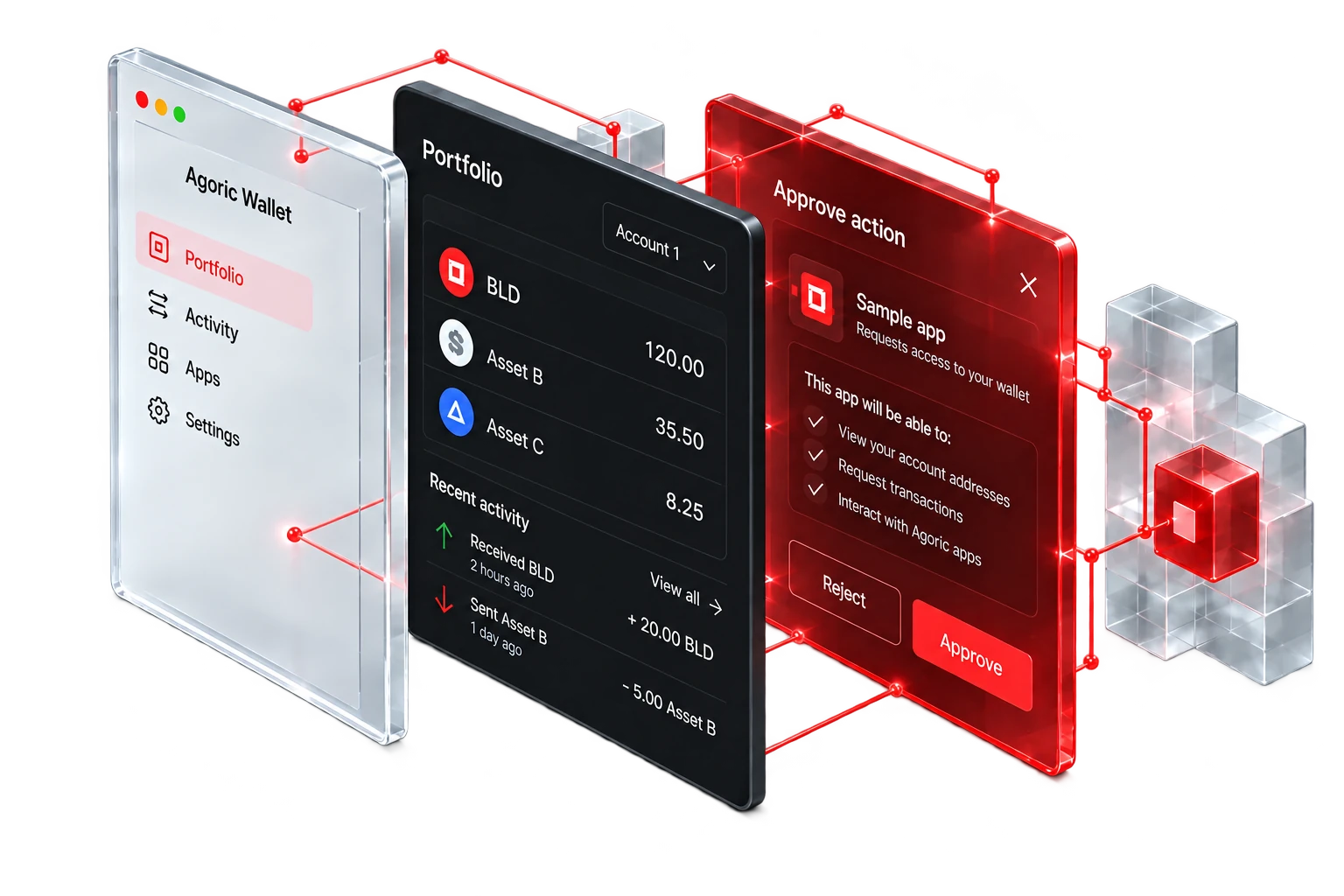
An exploded desktop wallet interface in clear glass, dark aluminum and red glass, showing the portfolio and approval layers.
Desktop application
A desktop application for managing account information, assets, activity and application connections on Windows, macOS and Linux.
Request authorization
The wallet presents transaction details for review. Verify the request and choose whether to approve or reject it.
Network execution
Agoric Wallet prepares and presents requests. Validators on the decentralized Agoric network validate and execute authorized transactions.
Dedicated workspace
A dedicated desktop workspace consolidates account information, activity and request review.

Wallet interface

Account activity.
Requests in focus.

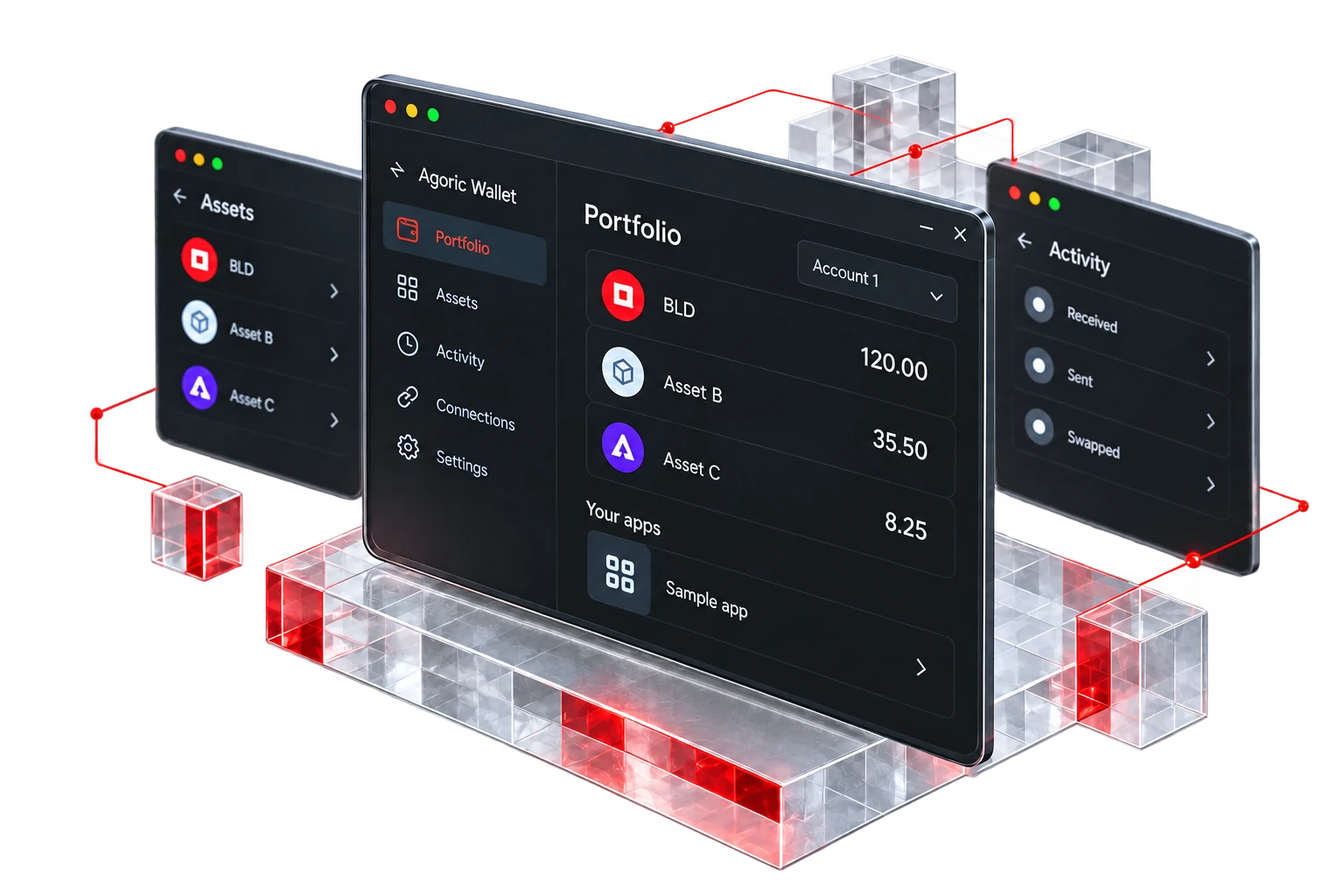
Portfolio, assets, transaction review, activity and permissions form the desktop interface. The examples shown use sample data.

Account overview

The portfolio view presents account balances and network connection status. Verify the selected account before initiating a transaction.

  • Account overview
  • Asset identification
  • Transaction review
  • Activity history
  • Application permissions
View interface details
Illustrative portfolio screen of the Agoric desktop wallet in perspective. Sample data, not a live account.

Get started · v3.2.5

Download for
your desktop.

Choose your operating system. Install the app, then open it from your applications list.

Installation help
  • Version 3.2.5

    Windows

  • Version 3.2.5

    macOS

  • Version 3.2.5

    Linux

After download

From installer to first approval.

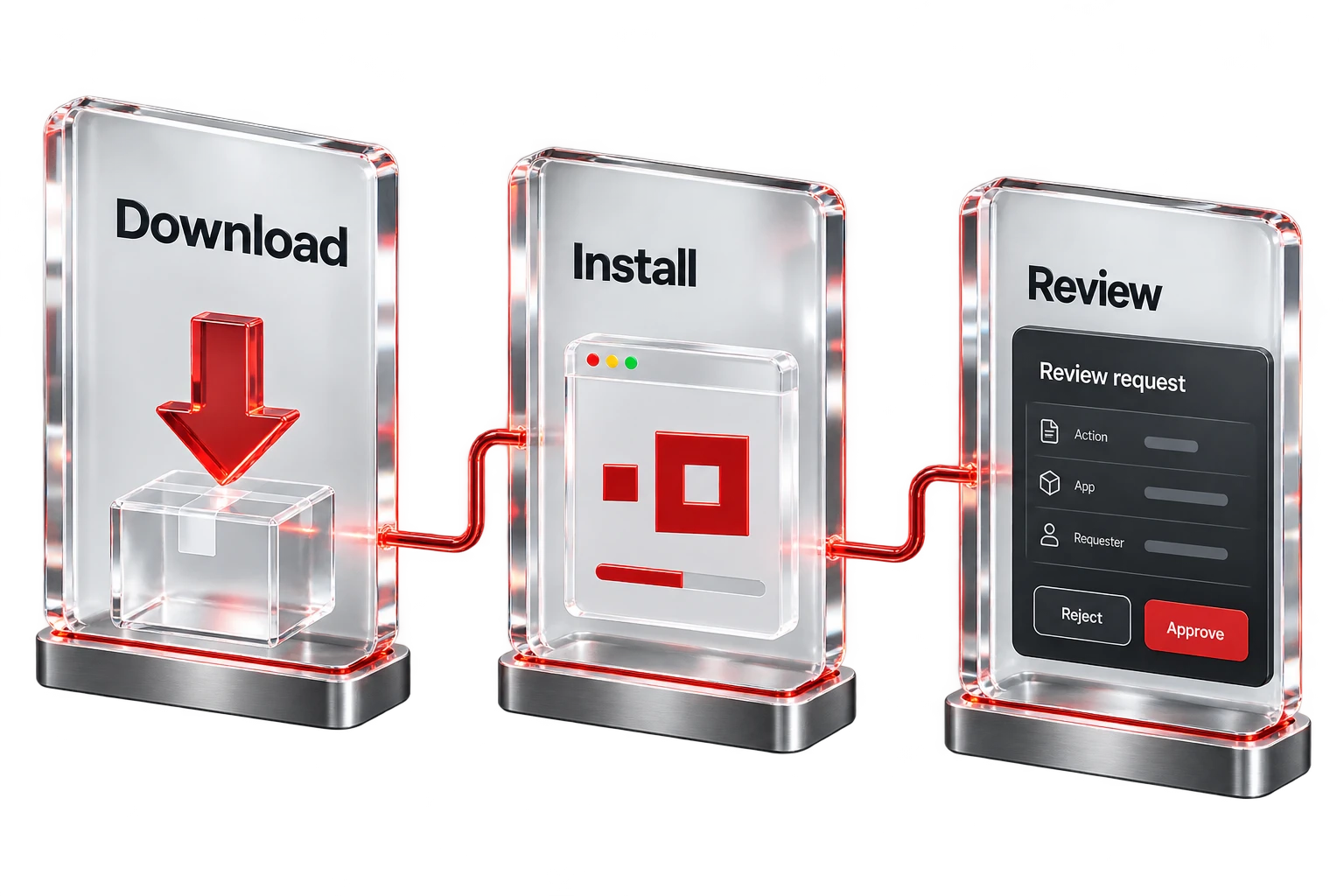
A few careful steps before you begin. Install the application, get oriented, and take your time reviewing every request.

Three connected glass panels labeled Download, Install and Review, ending with a request awaiting the user's choice to reject or approve.

Install and open

Choose your platform above and save the installer. Open it and follow your operating system's standard prompts. Read any security prompt carefully. Start Agoric Wallet from your applications list or start menu.

After installation

Follow the setup inside the application. If you are given recovery information, write it down offline before continuing. Then explore the portfolio, activity and connections views before approving anything.
Launch App

Once installed, Launch App on this website asks the desktop application to open. It never installs anything. If it cannot open, you can return to Downloads or try again.

Need help?

Launch App says not found? Open the app once directly, then choose Search Again. Installer blocked? Stop and confirm the source before continuing. App won't open? Restart, then reinstall from here. Keep recovery information safe first.

Installation help in Support
One desktop experience. Three platforms.Protect your recovery information during setup.

From desktop to interchain

The wallet presents.
The network executes.

Agoric Wallet presents application requests for review. The decentralized Agoric network validates and executes authorized transactions.

Agoric is a Proof-of-Stake Layer 1 built with the Cosmos SDK. Distributed validators maintain consensus, and JavaScript smart contracts run on the network.

Explore the network
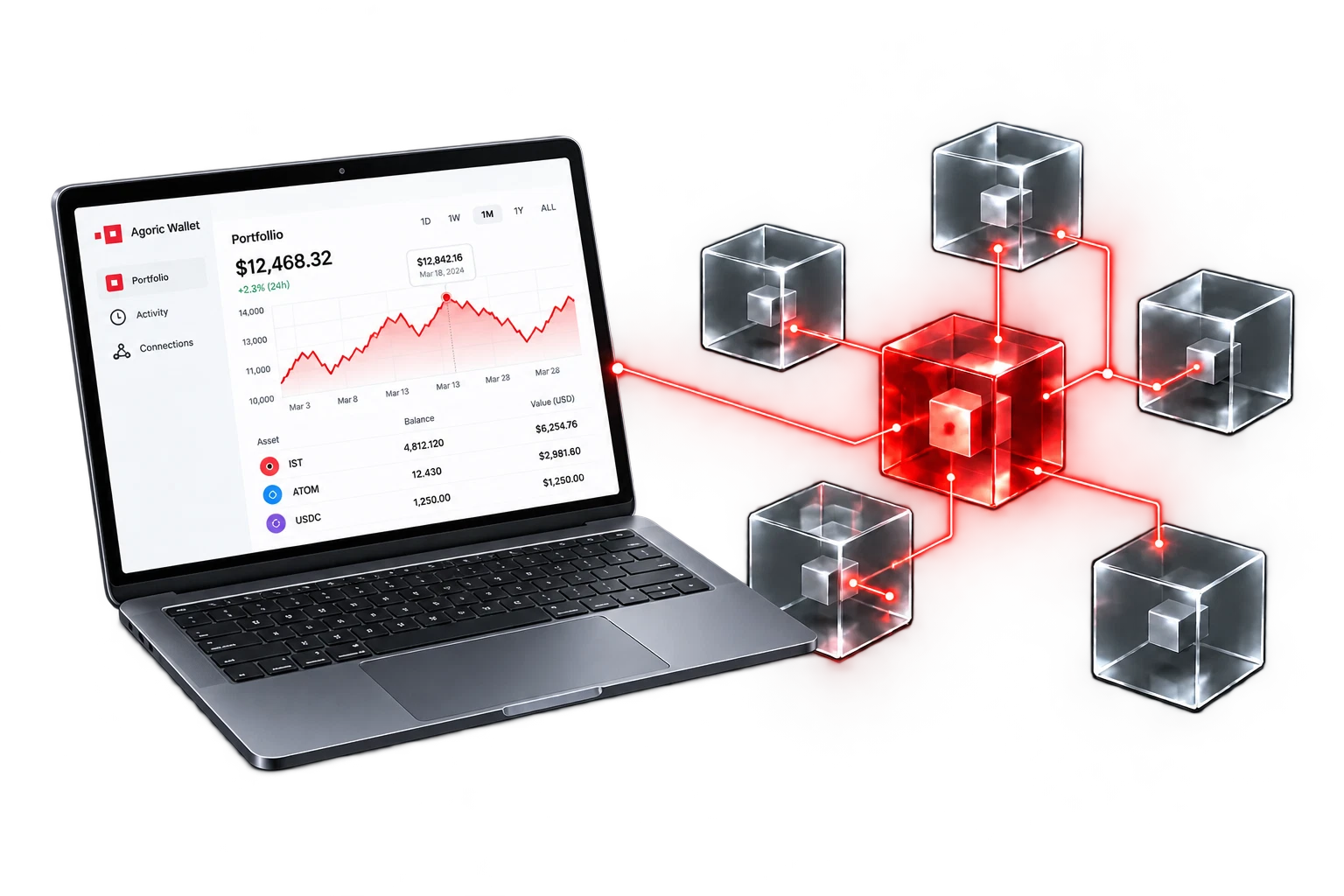
A laptop showing a light wallet interface with a detailed red portfolio chart, connected to a red Agoric network hub and five glass nodes representing contracts and other chains.
Desktop interfaceAgoric networkConnected chains
Illustrative architecture · network capabilities
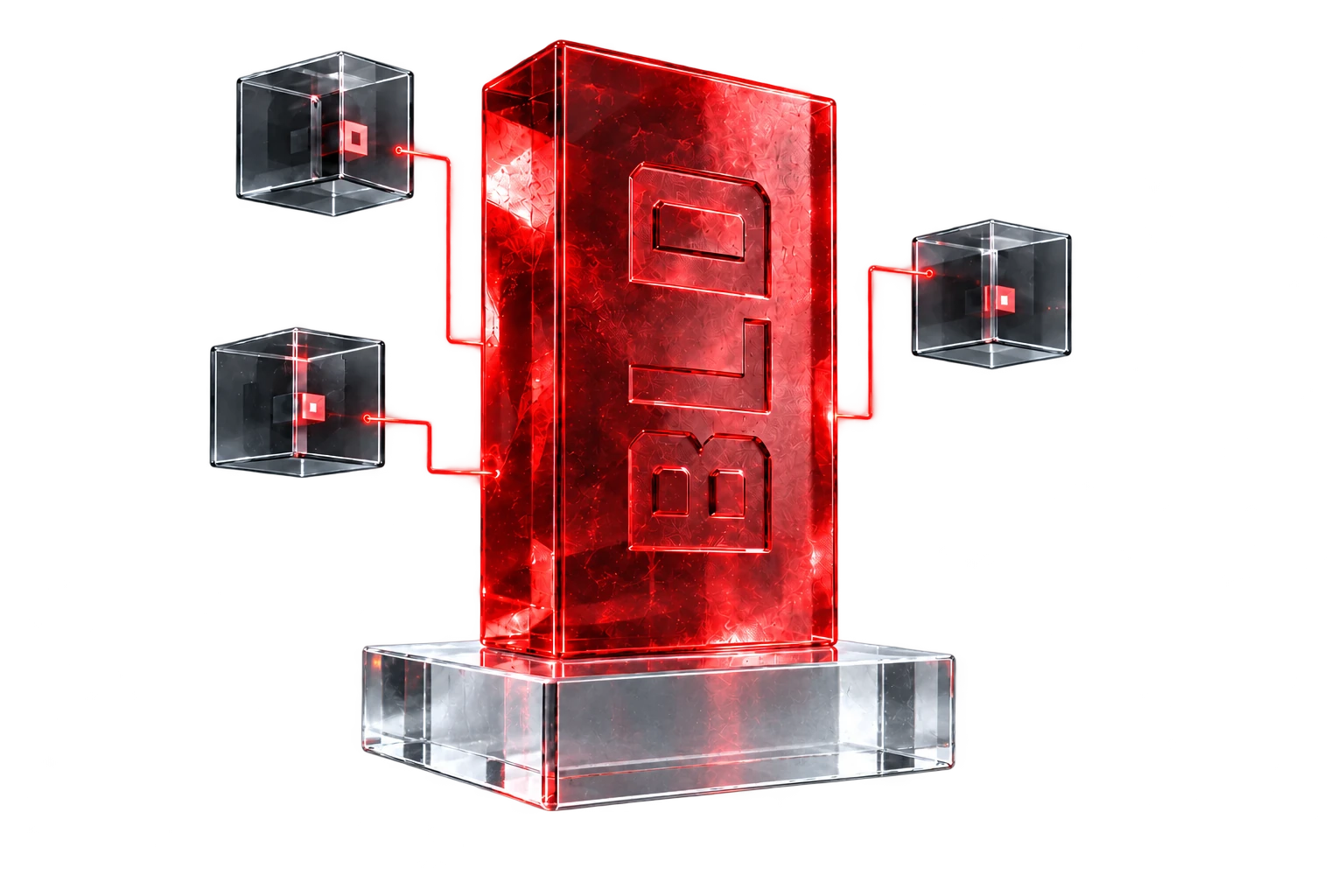
A red glass BLD monolith on a transparent pedestal, connected to three conceptual validator nodes.

Agoric network

BLD. The native token.

BLD supports the decentralized Agoric network through validator staking and on-chain governance.

Network activity

BLD is the native staking token of the Agoric network. Delegated stake supports validator participation in consensus.

Staking & governance

BLD holders can delegate to validators and participate in on-chain governance. Access to these network functions depends on the application used.

Execution

Validators maintain consensus and execute transactions and contracts. Staking aligns validator incentives with network security.

Explore BLD

Interchain infrastructure

IBC and Orchestration,
across connected chains.

IBC enables communication and asset transfers between independent chains. Agoric Orchestration enables developers to coordinate multi-step contract execution across connected networks.

Applications implement Orchestration workflows on the network. The desktop wallet presents the requests that require user authorization.

Explore interchain execution
Network schematicIBC channels
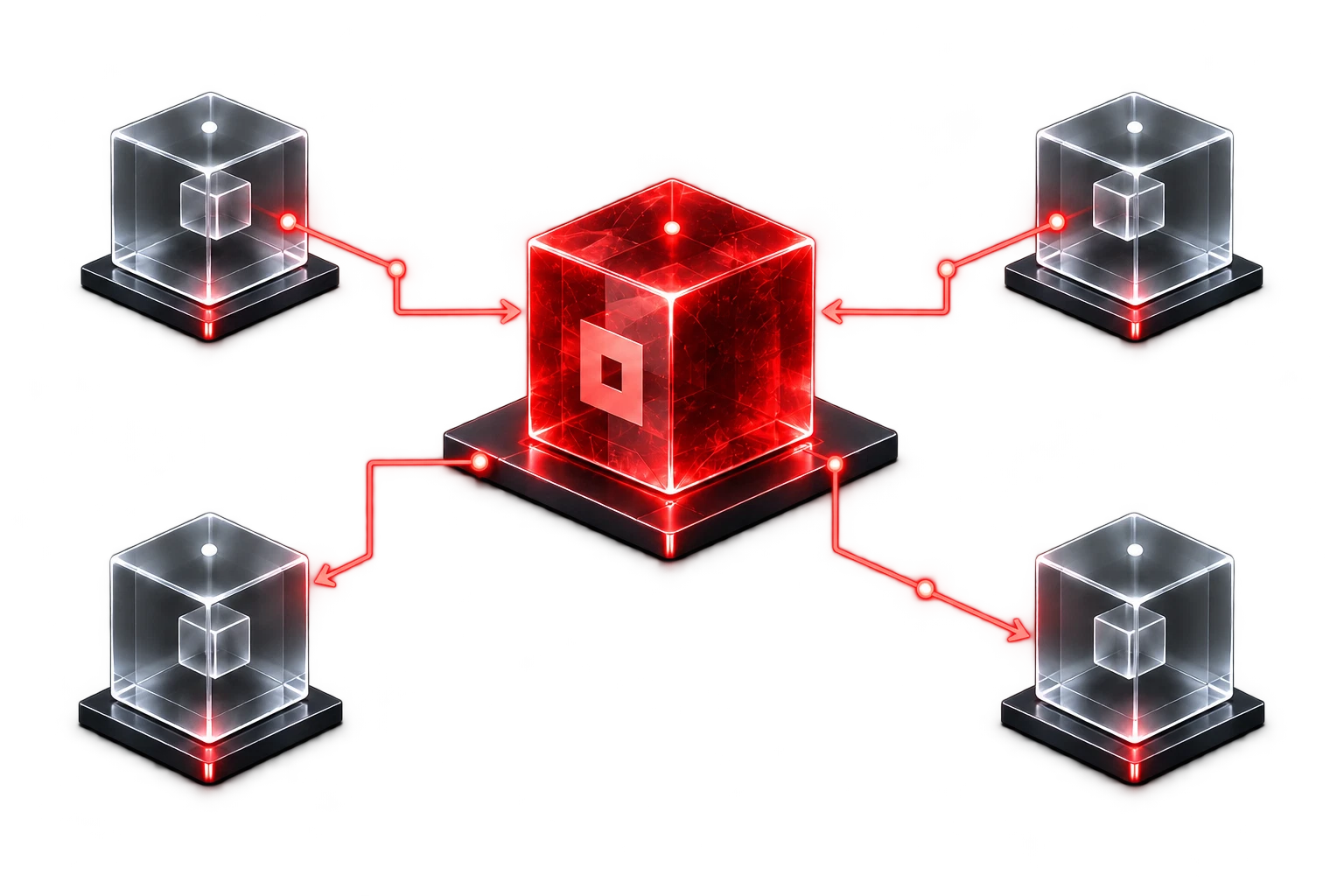
A red central Agoric hub linked to four glass modules representing independent chains, with directional paths illustrating interchain communication.
IBC
Communication between independent chains.
Orchestration
Contracts coordinating steps across those chains.

Transaction authorization

Review before
you approve.

Verify the action, amount, destination and network fee before authorization. Reject requests that do not match the intended transaction.

  • Verify the full destination address
  • Connect only to apps you recognize
  • Keep recovery information offline
Read the security guide
Agoric Wallet

Transaction request

Review transaction

Read the details before approving.

Action
Send BLD
From
Account 1
Amount
10.00 BLD
Network
Agoric
Network fee
Shown before signing
Destinationagoric1z…m3pa

Illustration uses an abbreviated address. Verify the full address in the app.

Illustrative interface · no transaction is submitted
A translucent red glass key on a frosted glass pedestal, representing permission and control.
A red glass shield around a closed notebook and a sealed archive block, representing careful review and offline recovery.

Security and control

Verification before authorization.

Review transaction details, application permissions and recovery practices before authorizing activity.

Read the action, asset and amount on each review screen. Verify the complete destination address.

Connect only to applications you recognize and intend to use. Treat unsolicited prompts, urgency and promised rewards as warning signs.

Recovery information: Store it offline and never disclose it to support, websites or applications. Obtain updates through the Downloads section on the Homepage.

Ecosystem

The Agoric ecosystem.
Infrastructure and applications.

Explore the infrastructure, applications and organizations associated with the decentralized Agoric ecosystem. Listings describe context and do not imply desktop wallet integrations or endorsements.

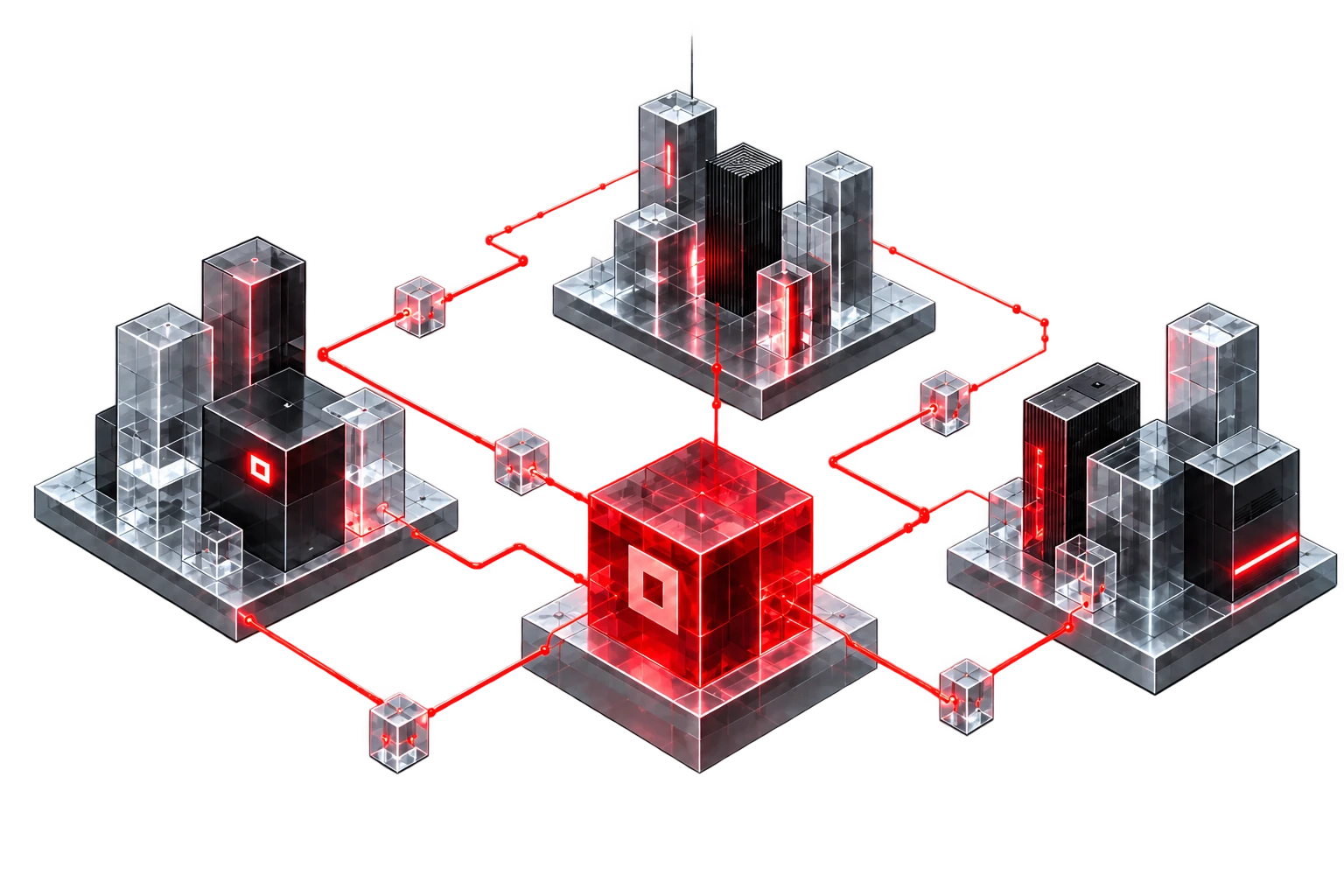
An isometric campus of three clusters of clear glass and charcoal towers, connected to a central red glass hub, representing the different roles around Agoric.

Wallet ecosystems

Keplr · MetaMask

Independent wallets in the Cosmos and EVM ecosystems connected through interchain infrastructure.

Infrastructure & protocols

Chainlink · Iqlusion · Simply Staking

Oracle networks and validator infrastructure referenced in the Agoric ecosystem.

Standards & research

ECMA · RMIT · Moddable

Standards bodies, research institutions and JavaScript engine contributors referenced in Agoric development.

Explore the ecosystem

Desktop access

Explore Agoric from desktop.

Access the wallet interface and documentation for the decentralized Agoric network.